Image Tools / Outpaint
Image Zoom Out
Automatically expand an uploaded scene toward a selected target aspect ratio.
Image Zoom Out is AIO’s automatic outpainting tool. Upload one image and choose a target aspect ratio from five standard formats. This operation does not take a prompt or per-edge pixel settings.
What you can do
- Automatic outpainting from one uploaded image
- Five target aspect ratios
- No prompt or per-edge pixel controls
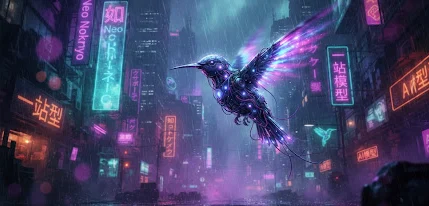
Visual references & outputs
Ideas to try
- Explore a wider framing for an existing scene
- Adapt a source composition toward a portrait or square canvas
Practical tips
- Select the target aspect ratio instead of writing expansion instructions.
- Review the expanded borders before using the result in a finished layout.
Supported controls on AIO
These specifications come from AIO’s operation profiles. Controls can differ by tool and resolution; final credit cost is shown in Studio before you run.
Expand
Currently unavailable- Aspect ratios
- 1:1 / 16:9 / 9:16 / 4:3 / 3:4
- Resolution
- Automatic sizing
- Quality
- Model default
- Task count options
- 1
- Images per task
- 1
Requires your own input image in Studio. Reference art on this page is not uploaded for you.
Automatic expansion to the selected aspect ratio. No prompt or per-edge pixel controls.
This tool is currently unavailable for this model.