Alibaba / Qwen
Qwen Image
A generation-only option with five standard aspect ratios.
Qwen Image generates one image from a text prompt in AIO. It offers square, landscape and portrait formats, plus optional clay and cyber prompt presets, without a selectable resolution or quality tier.
What you can do
- Text-to-image with one output per task
- 1:1, 16:9, 9:16, 4:3 and 3:4 formats
- AIO clay and cyber prompt presets
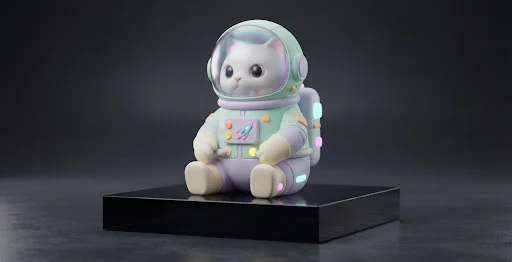
Visual references & outputs
Ideas to try
- Explore a character concept from a short brief
- Draft a square illustration or portrait-format scene
Practical tips
- Use the prompt to describe material and lighting rather than looking for a quality switch.
- Choose the aspect ratio to match the intended placement.
Supported controls on AIO
These specifications come from AIO’s operation profiles. Controls can differ by tool and resolution; final credit cost is shown in Studio before you run.
Generate
Available- Aspect ratios
- 1:1 / 16:9 / 9:16 / 4:3 / 3:4
- Resolution
- Automatic sizing
- Quality
- Model default
- Task count options
- 1
- Images per task
- 1
- AIO prompt presets
- 3D clay / Cyber neon
Style presets add curated words to your prompt; they are not native model styles.