
Back to Explore

Portraits

A warm embrace

Start from one photo showing both subjects together and describe a gentle embrace.

PortraitTogetherPhoto animation

An editable starting point, with results shaped by your source material, prompt and selected model.
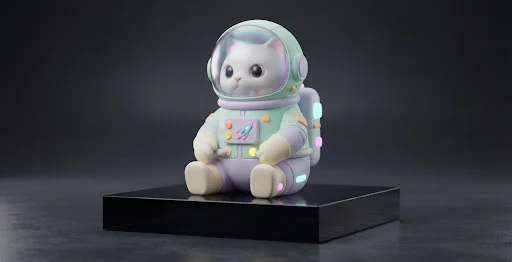
Visual inspiration for A warm embrace
Reference imageVisual inspiration only. This image is not presented as an output from the selected model.

Work through the steps yourself. Open each studio, check the settings and credit quote, then generate. Review your result before selecting it for the next step. Video, voiceover and music remain separate files.

Available models and the final credit quote are shown in the studio.

Make it yours

0 / 1

Your checklist records your own review, not generation status. Signed-in progress is saved on this device for this account.

  1. 1

    Image to video

    Animate the shared moment

    Upload your own image or an image you made in the previous step, then review the model, settings and credits.

    Select your own image or a finished image from an earlier step in the studio.

    Preview prompt

    Animate the two subjects already visible in the uploaded photo into a gentle, natural embrace. Keep their identities and clothing consistent, use slow movement and a steady medium shot, and preserve the setting. Subject or name: Style: Additional brief:

    Suggested models: Veo 3.1