
 Image app
Marketing
Product Scene
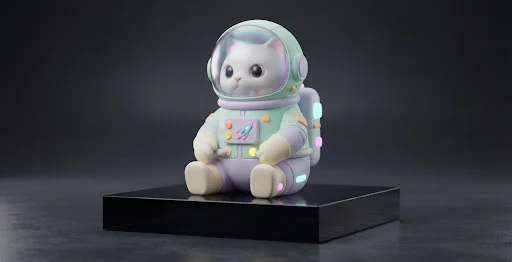
Give a product photo a new setting, with a guided editing prompt and a ready-to-adjust canvas.
Photo needed1:1
Customize this ideaA starting point for every idea
Use a focused image app or follow a creative recipe across images, video and audio. Personalize the brief and review each generation in the studio.
Apps shown: 3
Image appMarketing
Give a product photo a new setting, with a guided editing prompt and a ready-to-adjust canvas.
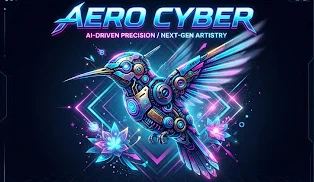 Image app
Social
Start a video cover or social campaign image with a clear focal point and a format matched to your channel.
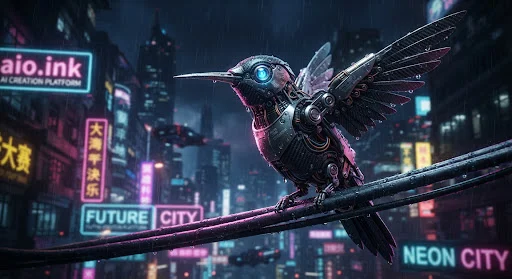 Image app
Seasonal
Turn a New Year greeting into a portrait poster for stories, invitations or a seasonal campaign.
Editor’s picks
Seasonal moments, playful transformations and cinematic scenes. Personalize a recipe, then take each step into its studio.
Create a greeting image, animate it and prepare a separate voiceover. Add your year and exact greeting in the brief.
A warm illustrated greeting and a gentle animated scene, with room for your own message.
Turn a clear pet photo into a playful motion concept. Movement and anatomy vary with the source image and model.
Add subtle movement and a camera move to a portrait, landscape or product photo.
Start from one photo showing both subjects together and describe a gentle embrace.
Generate one continuous shot with a transition effect. This recipe does not stitch two existing video clips.
Edit a portrait into your chosen outfit, then animate the selected look as a separate step.
Create an original fantasy look from a portrait and explore a short transformation-inspired animation.
Make a celebratory fireworks shot and a separate sound effect for your edit.
Create a personal greeting, a gentle animated scene and optional separate background music.
Open the studio to generate, edit, expand or upscale an image with your own settings.